
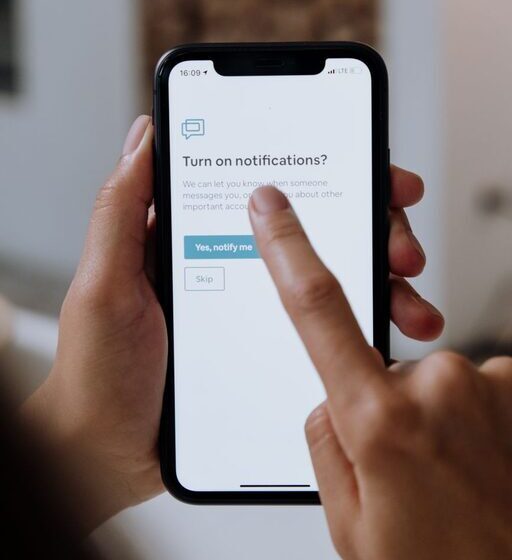

In today’s fast-paced digital world, notifications from our devices can quickly become overwhelming. Whether it’s your phone buzzing with messages, emails, app alerts, or social media pings, constant interruptions can impact your focus, productivity, and overall well-being. Setting clear boundaries with notifications helps you regain control of your time and attention.
This article offers practical tips for managing notifications in a way that supports your goals and lifestyle.
Why Set Boundaries with Notifications?
Notifications serve an important purpose by keeping us informed and connected. However, when notifications become too frequent or irrelevant, they can:
– Distract you from important tasks
– Increase stress and reduce mental clarity
– Interrupt quality time with family or friends
– Disturb your sleep and downtime
By consciously setting boundaries, you create space to focus on what matters most without unnecessary interruptions.
Tips for Setting Boundaries with Notifications
1. Assess Your Current Notification Settings
Start by reviewing all the notifications you receive. This includes alerts from:
– Messaging apps
– Email clients
– Social media platforms
– Calendar reminders
– News apps
– Games and utility apps
Ask yourself: Which notifications truly require your immediate attention? Which can wait or be turned off?
2. Turn Off Non-Essential Notifications
Disable notifications from apps or services you don’t need urgent updates from. Examples include:
– Social media likes and comments
– Promotional messages from shopping apps
– Game invites or updates
– News alerts unless critical
This simple step can dramatically reduce the noise coming from your device.
3. Use Do Not Disturb and Focus Modes
Most devices offer “Do Not Disturb” (DND) or “Focus” modes that temporarily silence notifications:
– Schedule DND during work hours or meetings
– Use Focus modes to allow notifications only from specific contacts or apps
– Customize settings for different times of day, such as bedtime
These modes help maintain uninterrupted focus during important moments.
4. Set Specific Times to Check Notifications
Instead of reacting immediately to every alert, designate certain times to review your notifications:
– Once in the morning
– During a midday break
– At the end of the workday
Batching notification checks reduces constant distraction and helps you stay productive.
5. Prioritize Notifications by Importance
Customize notification settings to prioritize essential alerts:
– Enable notifications from family, close friends, or important colleagues
– Allow urgent emails or calendar reminders
– Silence or minimize others
This way, you won’t miss critical information while reducing unnecessary interruptions.
6. Use Visual and Auditory Cues Wisely
Beyond simply turning off notifications, adjust how they alert you:
– Use vibration or silent modes instead of loud sounds
– Limit banner or pop-up notifications that block your screen
– Choose subtle icons or badges for less urgent alerts
These tweaks help notifications stay in the background rather than grabbing your attention immediately.
7. Create Physical and Digital Boundaries
Physical habits can reinforce your notification boundaries:
– Keep your phone in another room during focused work or meals
– Use separate devices for work and personal use if possible
– Turn off notifications on devices when spending quality time with others
Digital boundaries include unsubscribing from unnecessary email lists and limiting app permissions.
8. Periodically Review and Adjust Settings
Your notification needs may change over time. Regularly revisit your settings:
– Turn notifications back on for important apps if needed
– Adjust Do Not Disturb schedules with your routine changes
– Remove apps you no longer use
Staying proactive ensures your notification habits align with your current lifestyle.
Benefits of Healthy Notification Boundaries
By managing notifications effectively, you can experience:
– Increased concentration and productivity
– Lower stress levels
– More meaningful interactions with others
– Better work-life balance
– Improved sleep quality and relaxation
Finding the right balance takes some effort but leads to greater peace of mind and control over your digital life.
Conclusion
Notifications are valuable tools, but without boundaries, they can take over your attention and disrupt your day. By assessing your notification habits, turning off non-essential alerts, using Focus modes, and setting specific times to check notifications, you can create a healthier digital environment.
Start small with one or two changes and build on them. Over time, you’ll find a rhythm that helps you stay informed without feeling overwhelmed. Taking control of your notifications is an important step toward better focus, productivity, and overall well-being.