
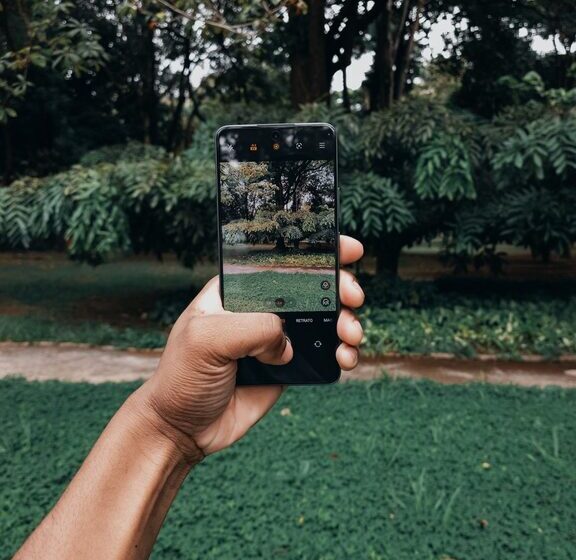

Taking great photos with your phone doesn’t require expensive equipment or professional training. With the right techniques, you can capture clear, vibrant, and interesting images that stand out. Whether you’re snapping pictures for social media, family memories, or just for fun, these beginner tips will help you take better photos with your phone.
Understand Your Phone Camera
Before diving into specific tips, take some time to explore your phone camera’s features. Most smartphones have powerful cameras with various modes and settings. Familiarize yourself with:
– Camera modes: such as portrait, night, panorama
– Focus and exposure controls: usually by tapping on the screen
– Flash options: auto, on, off
– Gridlines: to help with composition
Knowing what your camera can do helps you make deliberate choices while shooting.
Clean Your Lens
It sounds simple, but many photos lose sharpness because the lens is smudged or dirty. Phones often sit in pockets or bags where dust and oils accumulate. Use a microfiber cloth or lens cleaning wipe to gently clean the lens before taking photos.
Use Natural Light Whenever Possible
Lighting is one of the most important factors in photography. Natural light tends to produce better colors and softer shadows than artificial lighting.
– Shoot during golden hour: early morning or late afternoon for warm, flattering light
– Avoid harsh midday sun: it can create strong shadows and overly bright spots
– Face your light source: position yourself so the light hits your subject from the front or side, not from behind
If you’re indoors, try to take photos near a window with plenty of daylight.
Keep Your Phone Steady
Blurry photos are often caused by shaky hands. To keep your shots sharp:
– Hold your phone with both hands
– Tuck your elbows into your body for support
– Rest your phone on a stable surface if possible
– Use a tripod or phone stand for extra stability, especially in low light
Many phones also have image stabilization features, but steady hands will always help.
Focus on Composition
Good composition makes your photos more visually appealing. Here are a few beginner-friendly tips:
Use the Rule of Thirds
Turn on gridlines in your camera settings, dividing the frame into nine equal parts. Place your subject or important elements along these lines or where they intersect. This balance creates more interesting photos than centering everything.
Simplify Your Background
A cluttered background can distract from your subject. Look for plain backgrounds or move so that nothing distracting is behind your subject.
Change Your Perspective
Don’t always shoot from eye level. Try getting low to the ground, shooting from above, or experimenting with different angles to add creativity and interest.
Focus and Exposure Control
Most phone cameras allow you to tap on the screen where you want to focus. This also adjusts the exposure (brightness) for that area.
– Tap on your subject to ensure it’s sharp and properly lit
– If your photo is too bright or too dark, slide your finger up or down (on many phones) to adjust exposure manually
Learning to control these settings helps you create well-exposed photos every time.
Avoid Digital Zoom
Zooming in with your phone camera often reduces image quality because it crops the photo rather than using true optical zoom. Instead of zooming:
– Move closer to your subject
– Crop your photo later during editing if needed
This keeps your images sharp and clear.
Use Editing Apps Wisely
Editing can enhance your photos but shouldn’t fix fundamental issues like poor focus or lighting. Basic adjustments like cropping, straightening, adjusting brightness, contrast, and saturation can make a big difference.
Some popular, beginner-friendly photo editing apps include:
– Snapseed
– VSCO
– Lightroom Mobile
Explore these apps to improve your photos while keeping edits natural.
Take Lots of Photos
Practice is key to improving your photography skills. Don’t be afraid to take multiple shots from different angles and settings. This gives you more options to choose from and helps you learn what works best.
Explore Creative Options
As you get comfortable with basic tips, start experimenting with:
– Portrait mode: for blurred background effects
– Burst mode: for capturing fast-moving action
– Panorama: to capture wide scenes
– Night mode: for low-light situations
Trying different features expands your skills and creativity.
—
Taking better phone photos is all about paying attention to light, composition, and focus. With practice and these beginner tips, you’ll be capturing sharper, more striking photos in no time. So grab your phone, start shooting, and enjoy the process of creating beautiful images!